
Comment, DM, question, email, qualified, synced. Four or five steps that currently need a person for each one, running as a single workflow instead.
.svg)
Comment → DM → email captured
.svg)
Qualified → synced to your CRM
.svg)
Asked → Calendly link sent → booked
.svg)
No CRM? → straight to a sheet








Dating app Yoyomatch successfully verified and matched thousands of Instagram profiles using Inrō.

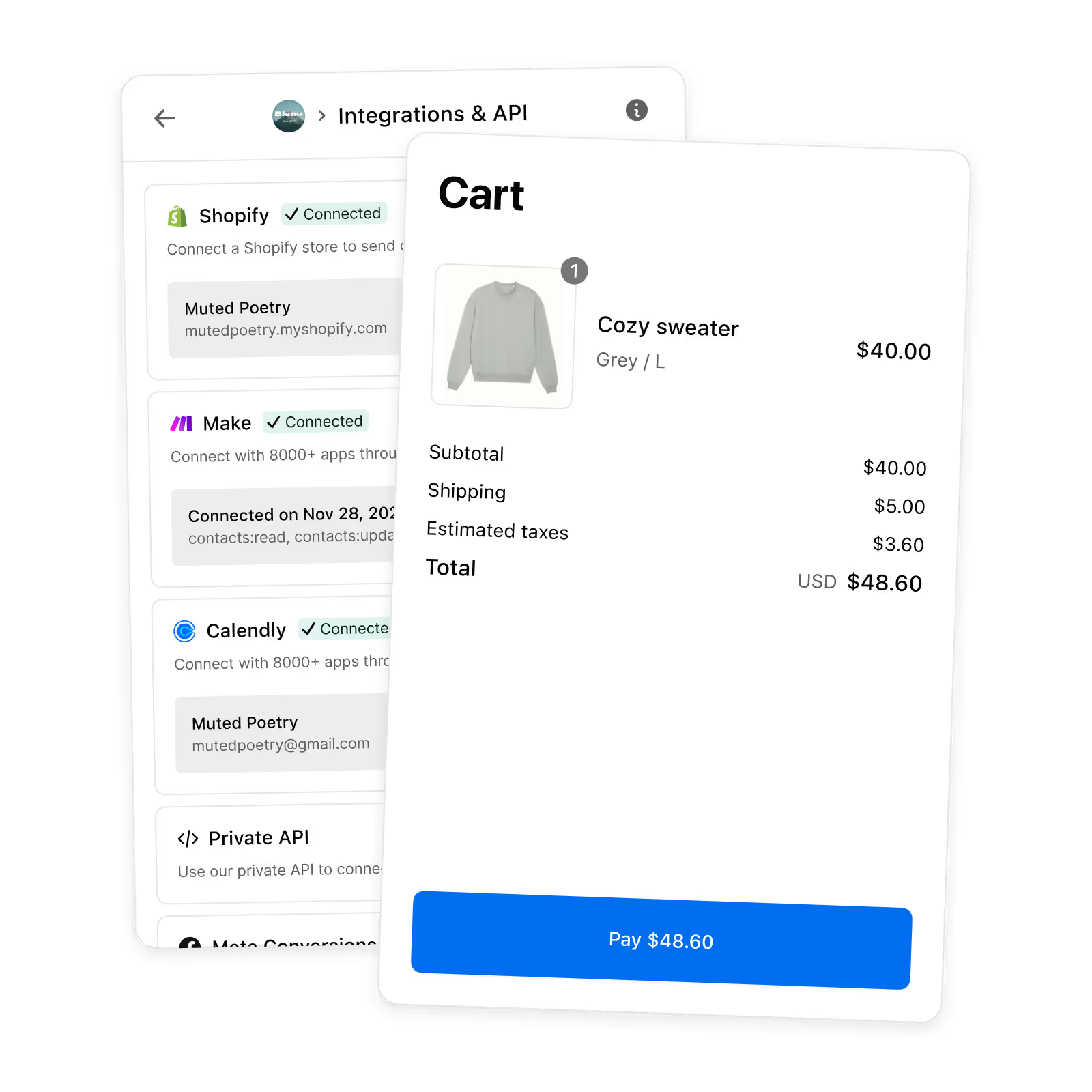
Not every DM deserves a CRM record. This one holds the contact in Inrō while the conversation qualifies them, and only syncs once they meet your bar. Your CRM fills with contacts your team can work, not usernames.
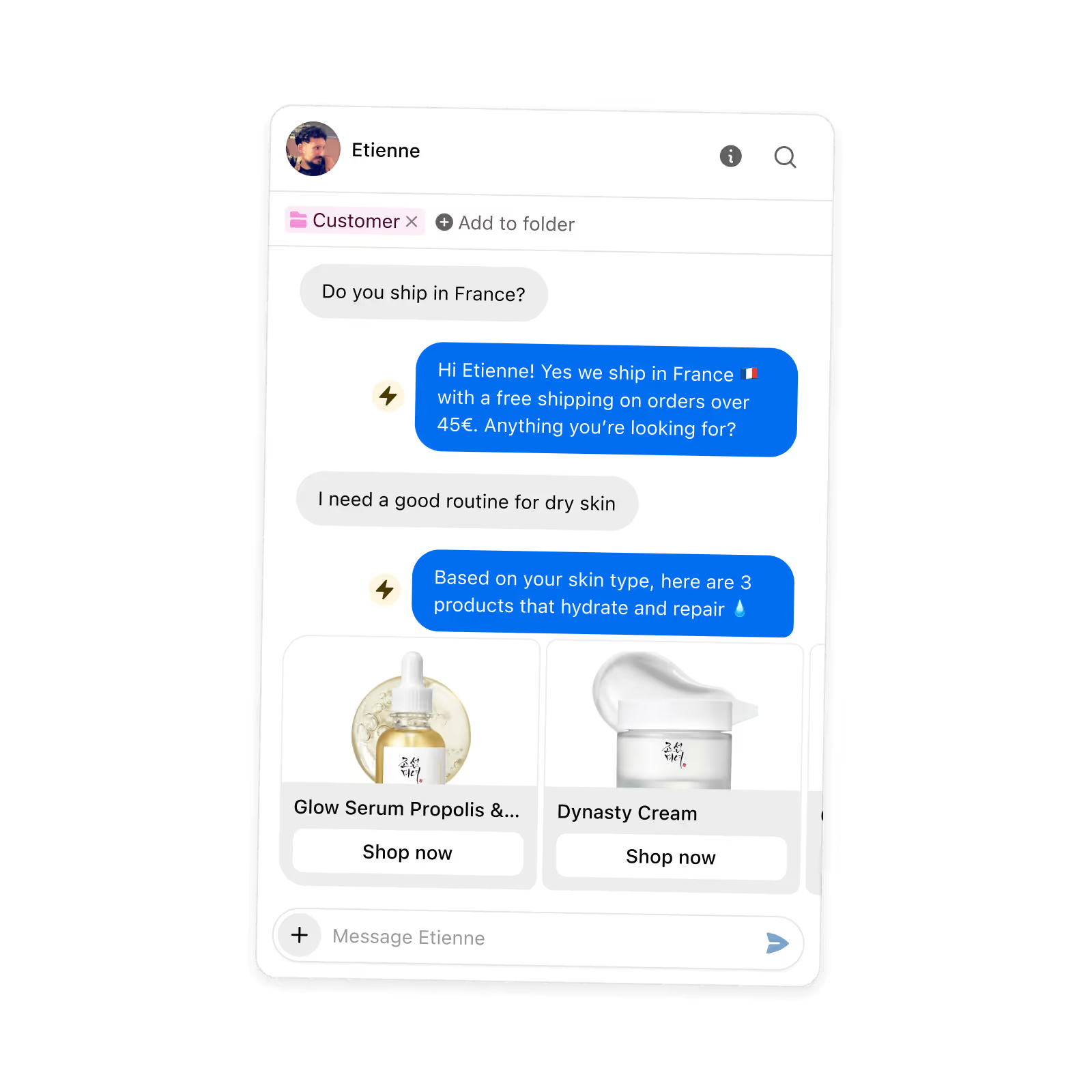
Comment a keyword → DM opens → the flow asks for an email and a phone number → both saved as real fields → contact tagged by which post they came from. What lands in your CRM is a record, not a message somebody has to read and retype.
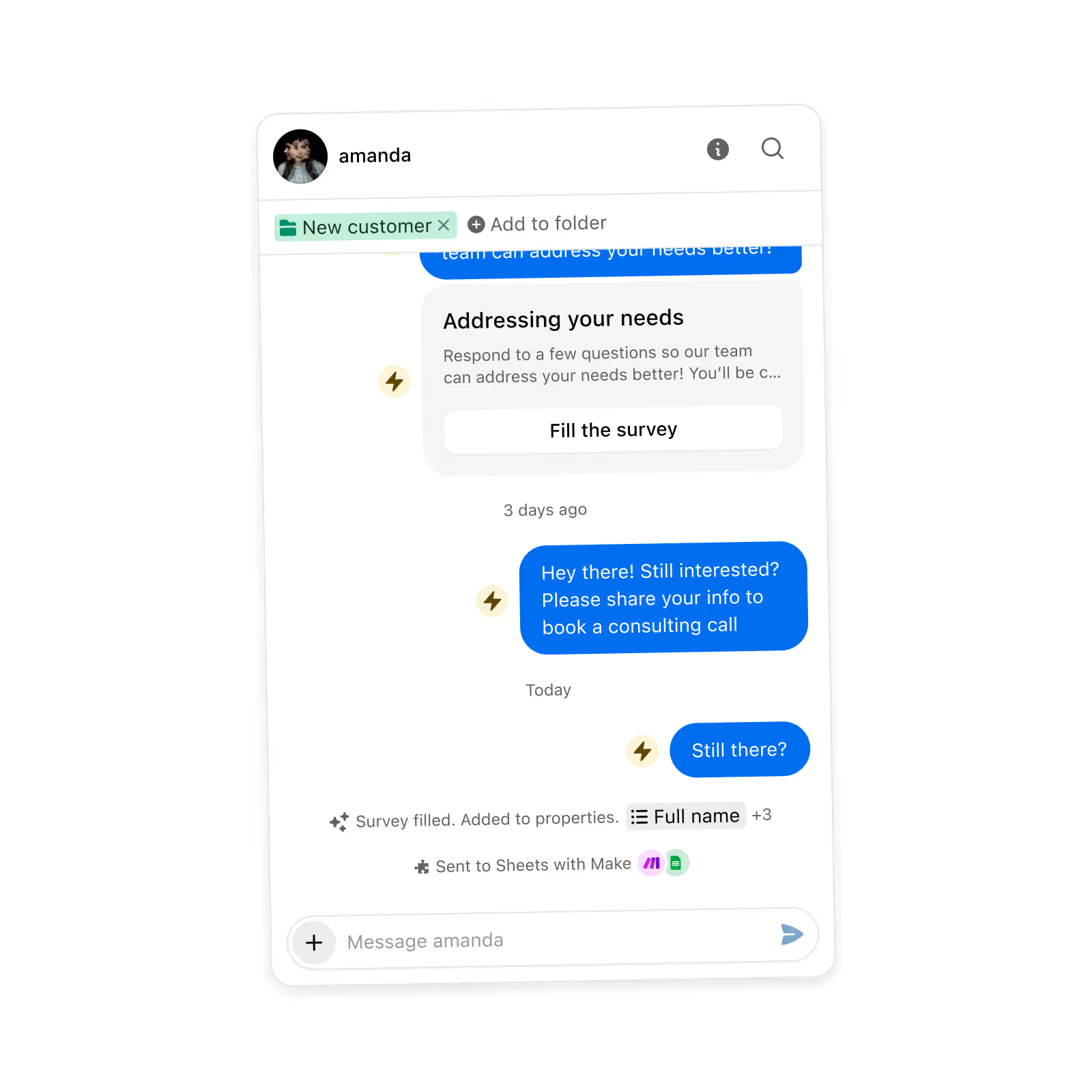
Someone asks about availability → the flow sends a Calendly link, or an Eventbrite registration → they book inside the conversation → the appointment is tracked against their contact. No landing page, no back-and-forth about times.
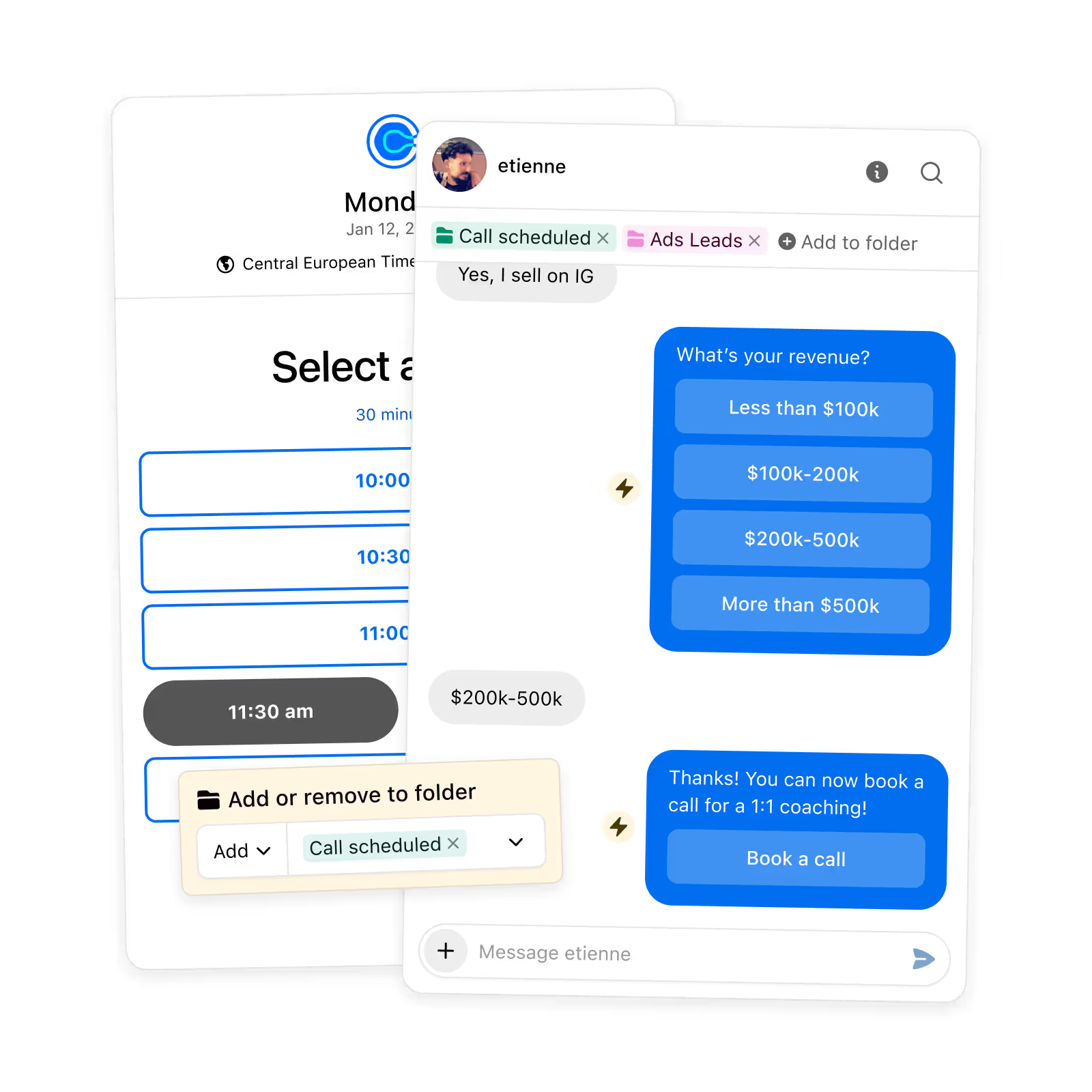
Someone books, buys or registers from a DM → the conversion is recorded → the event goes back to Meta. Your ad targeting learns from what happens in the conversation, not just on your site.
Integrate with all your favorite tools and your own platform through Inrō's integrations.



With Inrō, you only pay each month for the contacts that you have activated. No more paying for old inactive contacts.


At Inrō, we prioritize the security of our customers.


Inrō connects Instagram DMs to your existing tools (CRM, Shopify, Calendly, Make.com, and more) via native integrations and webhooks. You can automate data syncing, trigger workflows from DM events, and keep Instagram activity in sync with the rest of your stack.
Yes. Inrō lets you trigger DM automations from website clicks and push Instagram contact data into your CRM or database automatically. This makes Instagram a connected part of your customer journey rather than a standalone channel.
An Instagram workflow automation is a sequence of actions triggered by an Instagram event, such as a comment, DM reply, or story interaction, that connects to other tools or processes. Inrō builds these workflows on Meta's official API so they are reliable and compliant.
Yes. Inrō integrates with Make.com and supports webhooks so you can include Instagram DMs as a channel in broader marketing campaigns, coordinating with email, SMS, or other touchpoints in the same workflow.
Inrō pushes contact data (including tags, lead status, and DM history) to your CRM via native integrations or webhook. Every Instagram interaction can update a contact record in real time.
Businesses that benefit most include membership platforms verifying users via Instagram, e-commerce brands syncing DM leads with Shopify, agencies running omnichannel campaigns, and apps using Instagram as an identity layer for onboarding.
Yes. A flow can ask for an email, a phone number, a city, a budget or any custom field you have defined, and save the answer as a real property on that contact rather than leaving it buried in a message. AI extraction pulls the value out of however the person phrases it, and the flow asks again if it does not get one.
Only if you want them to. Most teams put the sync at the end of the workflow rather than the start, so a contact stays in Inrō while the conversation qualifies them and only moves onward once they meet the bar you set. Your CRM fills with records your team can work instead of usernames.
You decide. It can be as simple as having handed over an email, or a combination: answered the budget question, based in the right city, picked a specific product, clicked the link. The flow branches on whatever conditions you set, and the sync sits only on the branch you choose.
Yes. A flow can send a Calendly link or an Eventbrite registration inside the conversation, at the moment the person asks about availability. They book in the chat, and the appointment is tracked against their contact.
Yes. Contacts are tagged with the post or ad that brought them in, and conversions are attributed back to it. So you can tell which content produced revenue rather than only which produced comments.
When someone buys, books or registers from a DM, that is a conversion. Sending it to Meta through the Conversions API means your ad targeting learns from what actually closed in the conversation, not only from what happened on your website.
A spreadsheet works. The finished record writes itself into a sheet the whole team can open, with every campaign feeding the same intake. Plenty of teams run this way for a long time before they need anything more.
Yes. If you are on Instagram in several places, by location, brand or language, the same workflow can run on each account, with every lead tagged by where it came from. One way of working, however many accounts you run.
The guided builder gets a first automation live in about ten minutes. A longer sequence with qualifying questions and a sync at the end takes more time, and you can start from a template or describe what you want and have it generated for you.
Yes. Every automation run is recorded with each step and what it produced, so you can check where a contact stopped, what was captured and what was sent onward.
Free to start. Comment to CRM in about ten minutes.


